
Evaluate the case, then build the argument.
Advisor combines Resolution Evaluation, Case Diagnostics, and searchable Internal Revenue Manual research with the client’s documents and case context.
Advisor surfaces possible paths and supporting IRM sections; it does not determine eligibility or choose a strategy. A practitioner must check the current IRS Internal Revenue Manual, the cited sections, and the client's facts before relying on an output.
- Compare the case facts across available resolution paths
- Surface inconsistencies, missing proof, and valuation issues
- Return the advocacy angles for the chosen path, with the IRM sections that back each one.
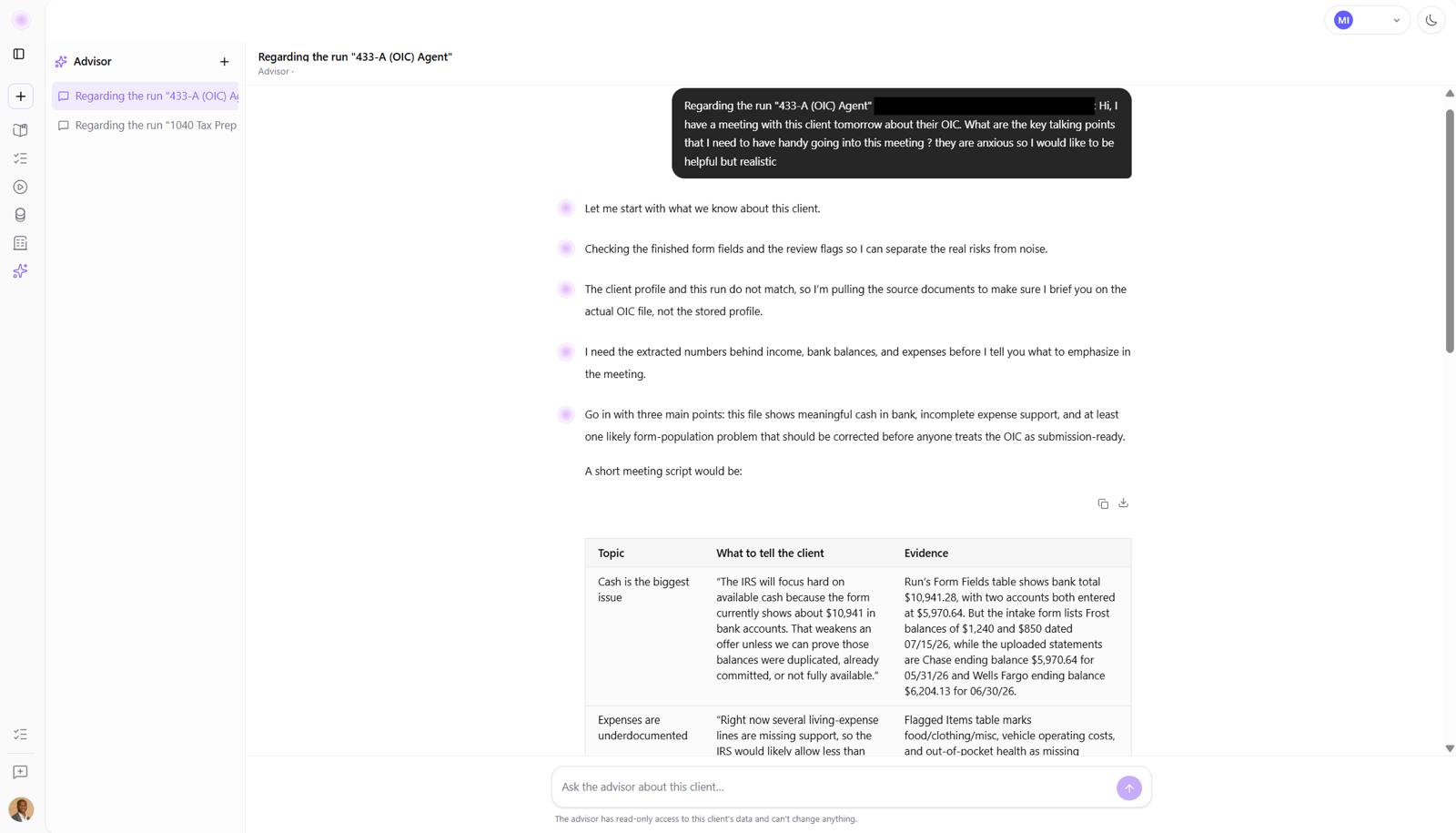
Four ways to understand the case
Resolution Evaluation
Compare the client’s financial data with the standards and case facts relevant to an Offer in Compromise, Installment Agreement, or currently-not-collectible analysis.
Case Diagnostics
Surface inconsistent income reporting, missing substantiation for claimed expenses, and asset-valuation discrepancies that need attention.
IRS Research (IRM)
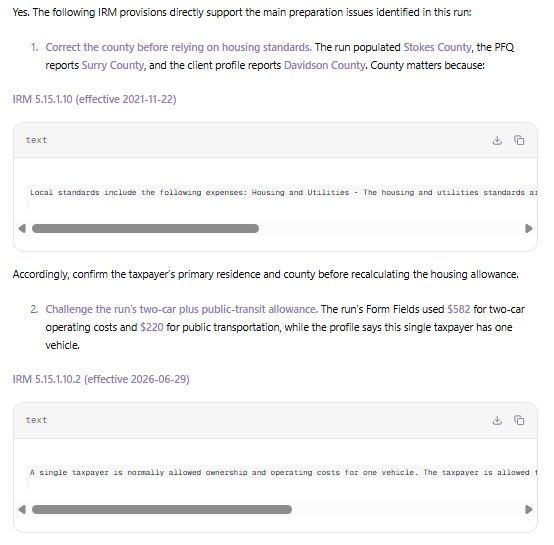
Search the Internal Revenue Manual with case-specific questions and review the cited sections behind the answer.
Advocacy Angles
Where the client's facts meet the standards, where the support is strongest, where the IRS is likely to push back, and what to say when it does. Each point cited to the IRM.
Search the Internal Revenue Manual
Ask a procedural question in the context of the case. Advisor returns the relevant IRM sections so the enrolled agent can review the source before deciding how to proceed.
Ask in the context of the case
Review the cited IRM sections
Open the source before acting
Review a real case with Advisor.
See how Resolution Evaluation, Case Diagnostics, and IRM research work together.